
🚀
Backbone-grade speed
Smart routing that avoids congestion — as low as 20 ms latency, instant 4K playback.
A self-developed high-speed backbone protocol with 100+ global nodes — built for cross-border business, gaming and streaming.
Smart routing that avoids congestion — as low as 20 ms latency, instant 4K playback.
AES-256 end-to-end encryption with a strict no-logs policy. Every connection leaves no trace.
One subscription, all your screens. Connect up to 5 devices simultaneously.
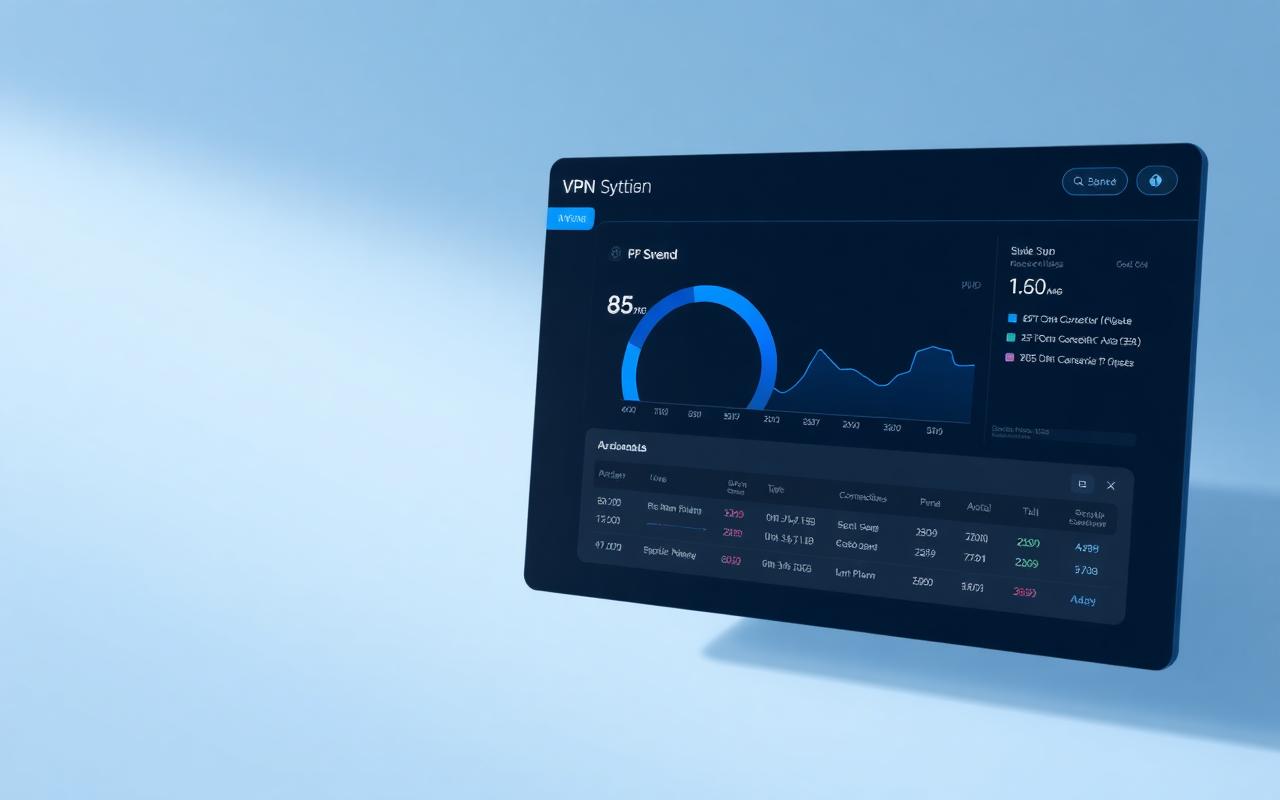
One subscription, all devices. Phones, laptops, tablets, routers — covered.
A few things worth knowing before you start.
Step 1: Download the 快连 client — no payment method required.
Step 2: Create an account and get a 3-day full-feature trial with all nodes unlocked.
Step 3: We remind you before the trial ends; no charges are made without your consent.
Step 1: Find the "Router / Console" section and download the OpenWrt / Merlin plugin.
Step 2: Install it on your router or configure the proxy manually on PlayStation / Xbox.
Step 3: Every device on the network gets accelerated.
Step 1: All traffic is wrapped in an AES-256 end-to-end encrypted tunnel.
Step 2: Our strict no-logs policy is verified by independent audits.
Step 3: A built-in Kill Switch cuts the network the moment the tunnel drops.
Step 1: Open the built-in Diagnose tool to check network and node status.
Step 2: Switch protocol (QUIC / Snell) or pick another node.
Step 3: If it still fails, our 24/7 live support is one message away.